
Blog
Insights on Copy Trading & Automation
Guides, product updates, and market insights from the TraderPilot team.
How to Vet a Forex Signal Provider Before You Copy
how to choose a signal provider, best forex signal providers, verified forex signals, vet signal provider, reliable trading signals

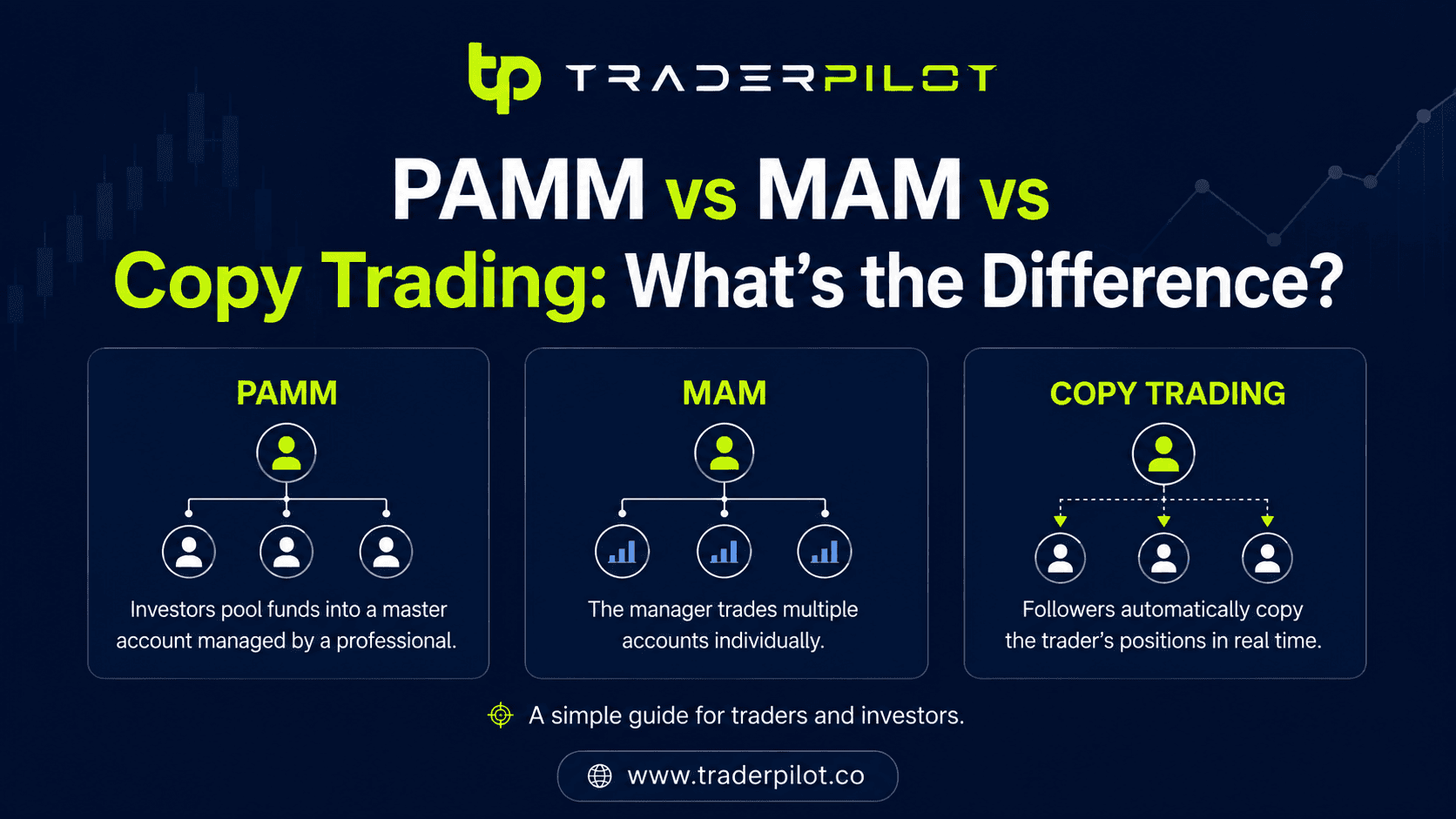
PAMM vs MAM vs Copy Trading: What's the Difference?
Copy Trading vs PAMM vs MAM Accounts Explained These three terms get used as if they're interchangeable. They aren't. Choosing the wrong one means handing over more control of your money than you meant to — or less support than you needed. The difference comes down to one question: who holds your funds, and who makes the trading decisions? Get that clear and the choice becomes obvious for your situation. This breaks down PAMM vs MAM versus copy trading in plain terms, so you know exactly what you're signing up for. The One Distinction That Matters Most All three let someone else's trading skill drive your account. They differ on custody (where your money physically sits) and control (how much say you keep). That's the axis everything else hangs on. PAMM — your money joins a pooled fund; a manager trades it; you're hands-off. MAM — similar to PAMM but with more flexible allocation; still manager-driven. Copy trading — your money stays in your own account; trades are replicated; you keep control.

MT4 vs MT5: Which Should You Use in 2026?
MT4 vs MT5: Which Platform Should You Use in 2026? Ask ten traders whether to run MT4 or MT5 and you'll get ten confident, contradictory answers. Part of the confusion is that "MT5 is newer, so it's better" is both technically true and often useless for deciding. Newer doesn't automatically mean right for how you trade. The two platforms share a name and a look, but they were built with different goals. Knowing which differences matter — and which are noise — saves you from switching platforms halfway through a strategy. This breaks down MT4 vs MT5 on the points that actually affect execution, automation, and copy trading, and gives you a straight answer on which to pick.
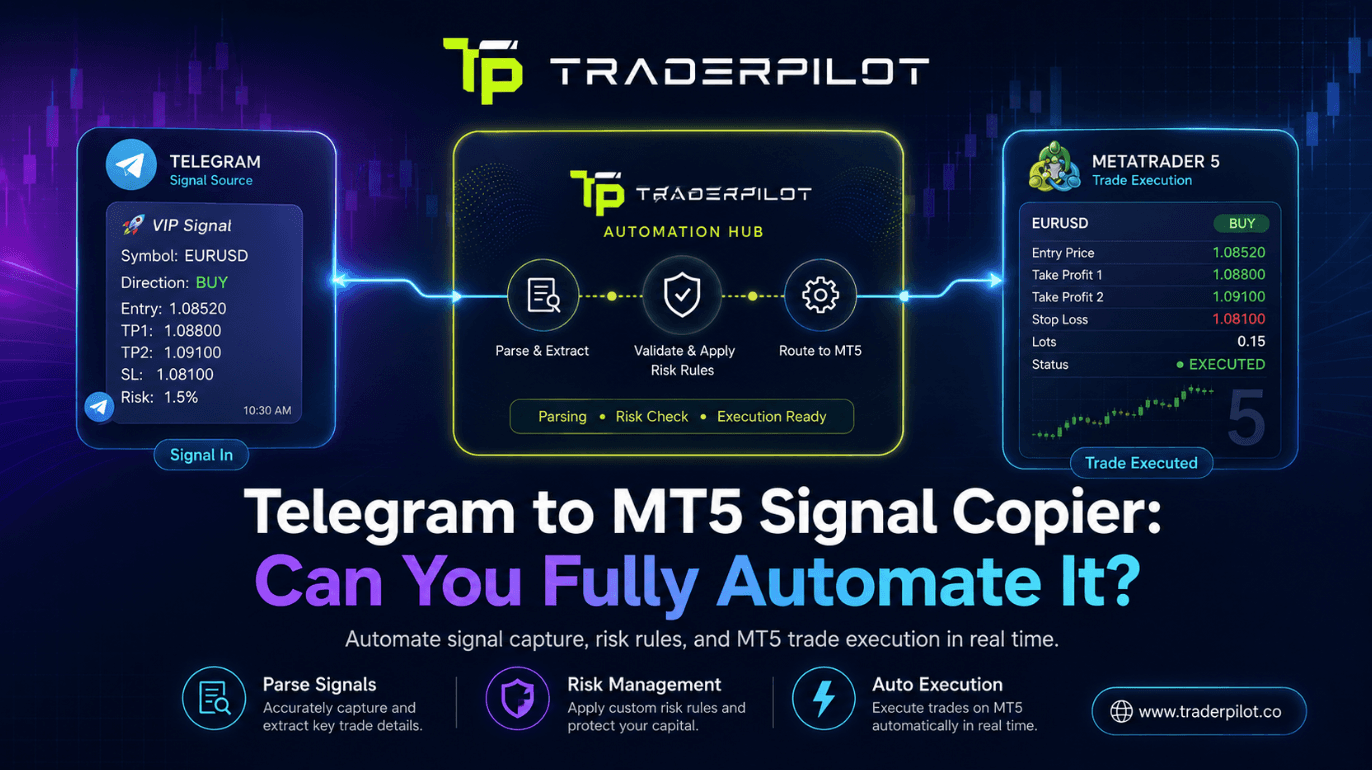
Telegram to MT5 Signal Copier: Can You Fully Automate It?
Telegram Signals to MT5: Can You Really Automate the Copy Process? The pitch sounds simple. Your provider posts a signal in Telegram, and it lands as a live trade in your MT5 account a second later — no phone, no order ticket, no missed entries. The question every serious trader asks before trusting it with real money is fair: does this actually work end to end, or does it fall apart the first time a provider posts something messy? The honest answer: yes, you can fully automate it — but only if the tool handles the three places where automation usually breaks. This walks through how a Telegram to MT5 signal copier works under the hood, where the failure points are, and how to set one up so it holds.
What Is Copy Trading & How a Telegram Signal Copier Works
What Is Copy Trading, and How Does It Actually Work? Most traders discover copy trading the same way: they find a Telegram channel posting sharp calls, they mirror a few trades by hand, and then they miss the one setup that would have paid for the month because they were asleep, in a meeting, or three minutes late to the entry. That gap — between a good signal existing and you actually acting on it in time — is the entire reason copy trading exists. And it's why the Telegram signal copier has quietly become one of the most practical tools in a retail trader's stack. This guide breaks down what copy trading really is, the different ways it works under the hood, and how a Telegram signal copier turns a channel message into a live position on your MT4 or MT5 account without you touching the terminal. No hype, no "get rich" nonsense — just how the machinery actually functions and where people get it wrong.

Best Telegram Forex Signal Copier in 2026
Comparing the best Telegram forex signal copiers in 2026. Find out which tools offer the fastest execution, best platform support, and most flexible pricing for MT4, MT5 and cTrader.
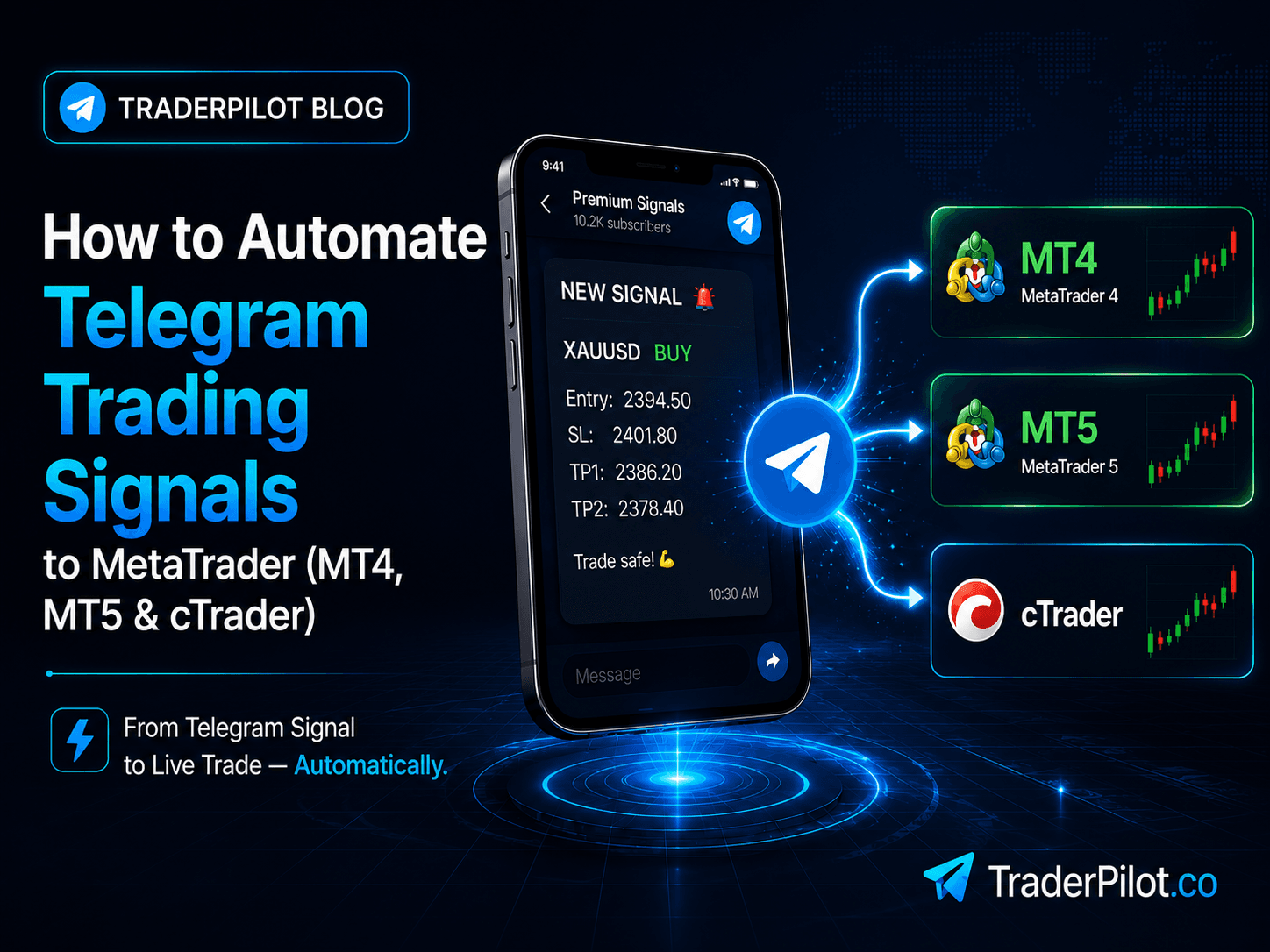
How to Automate Telegram Trading Signals to MetaTrader (MT4, MT5 & cTrader)
Stop copying Telegram signals by hand. Learn how to automatically execute Telegram forex signals on MT4, MT5, and cTrader using a cloud-based signal copier.
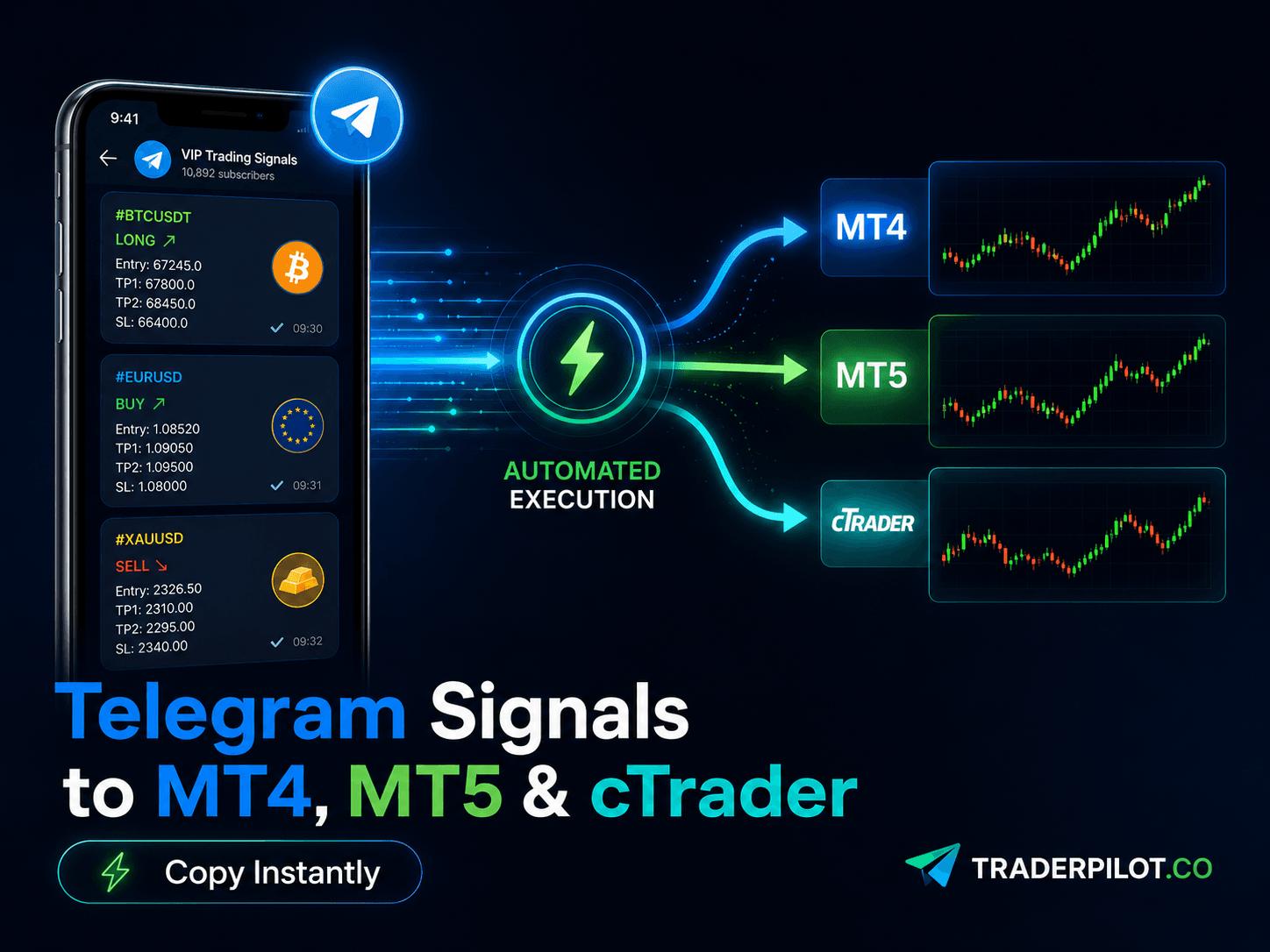
How to Copy Trades Between MT4 and MT5 Automatically
Learn how to automatically copy trades between MT4 and MT5 accounts using a cloud-based trade copier. No VPS, no EA installation required.