Best Telegram Forex Signal Copier in 2026
Comparing the best Telegram forex signal copiers in 2026. Find out which tools offer the fastest execution, best platform support, and most flexible pricing for MT4, MT5 and cTrader.

Daniel Brooks
Social Media Manager · July 15, 2026
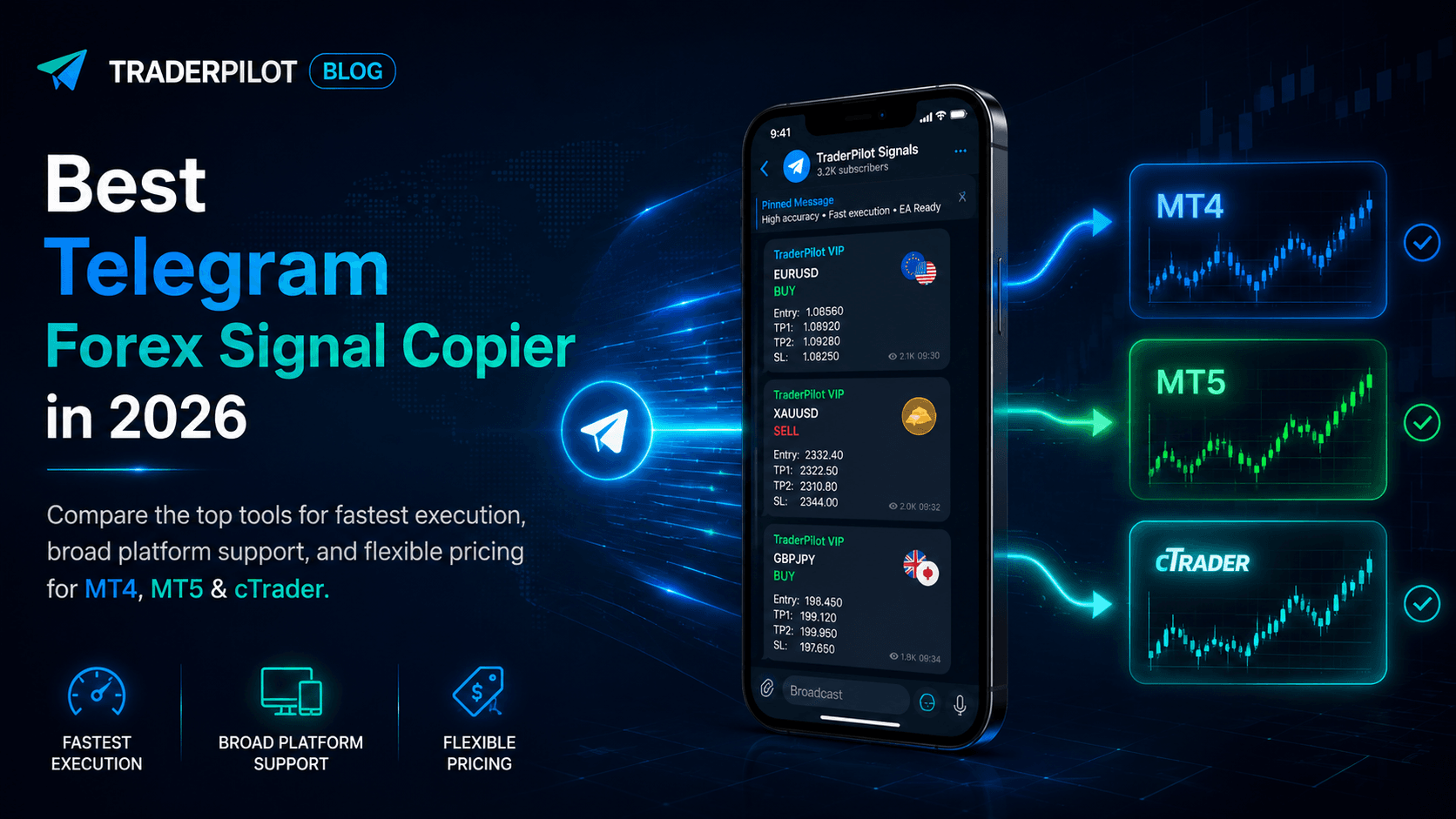
Table of contents
Telegram has become the dominant channel for forex trading signals. The problem is that receiving signals and acting on them are two separate steps — and manual copying introduces delays, errors, and missed entries that compound quickly.
A Telegram forex signal copier automates this by connecting your channels directly to your trading platform. In 2026, several tools offer this, but they differ significantly in execution speed, platform support, and pricing.
What to Look for in a Telegram Signal Copier
Execution speed
The whole point of automation is eliminating delay. Look for tools that monitor channels in real time, not ones that poll every few seconds.
Platform support
MT4 and MT5 are the most common, but cTrader is growing fast — especially among prop firm traders. Cross-platform support matters if your accounts span multiple platforms.
Cloud-based vs. VPS
Older tools run as an EA on MetaTrader and require a VPS ($20–$50/month) to stay online 24/7. Cloud-based tools eliminate this entirely — no VPS, no local software, no maintenance.
Multi-TP and signal update handling
Providers frequently post multiple take profit levels and update signals after the initial post. A good copier handles partial closes per TP and tracks updates like stop loss moves and early closes automatically.
Per-account independent rules
If you run multiple accounts, you need different lot sizing and execution rules per account. Not all copiers support this properly.
The Leading Tools in 2026
TraderPilot
Cloud-based Telegram signal copier with support for MT4, MT5, cTrader, and Match-Trader. Connects directly to your Telegram channels and executes trades with approximately 120ms average latency — no VPS, no EA installation required.
Key strengths: cross-platform support including cTrader, per-account template system for independent rules, full multi-TP parsing, signal update handling, and an integrated Trade Copier if you also run account-to-account copying.
Pricing: $15.99 per receiver account per month. Core Plan at $49/month covers both Telegram Copier and Trade Copier for up to 5 accounts.
Best for: Forex traders on MT4, MT5, or cTrader who want cloud execution without VPS overhead. Strong fit for prop firm traders managing multiple funded accounts.
Cornix
Telegram-bot-based copier that operates entirely within Telegram. Originally built for crypto exchanges, with forex and MT4/MT5 support added over time.
Key strengths: familiar Telegram-native interface, solid crypto exchange support, multi-TP handling.
Pricing: From approximately $30/month depending on tier.
Best for: Crypto traders who also trade forex and want a single tool for both asset classes.
Signal Magician
EA-based copier that runs on MetaTrader with a companion desktop application that reads your Telegram channels.
Key strengths: one-time purchase model, reliable for straightforward MT4/MT5 setups, long track record.
Pricing: One-time purchase. Add $20–$40/month VPS cost for always-on execution.
Best for: Traders comfortable with VPS management who prefer a one-time payment over a subscription.
WunderTrading
Web-based automation platform with Telegram signal integration, primarily focused on crypto exchanges.
Key strengths: strong crypto exchange support, clean dashboard, tiered pricing.
Pricing: From approximately $20/month.
Best for: Crypto-first traders who need some forex capability as a secondary use case.
Quick Comparison
| Feature | TraderPilot | Cornix | Signal Magician | WunderTrading |
|---|---|---|---|---|
| Cloud-based | ✅ | ✅ | ❌ VPS needed | ✅ |
| MT4 / MT5 | ✅ | Limited | ✅ | Limited |
| cTrader | ✅ | ❌ | ❌ | ❌ |
| Multi-TP parsing | ✅ | ✅ | ✅ | ✅ |
| Signal updates | ✅ | ✅ | ✅ | Partial |
| Per-account rules | ✅ Full | ✅ | Limited | Limited |
| Starting price | $15.99/account | ~$30/mo | One-time + VPS | ~$20/mo |
How to Choose
One provider, one account: Any tool works. Focus on parsing reliability and ease of setup.
Multiple providers and accounts: You need full per-account independent rules. TraderPilot's template system is built specifically for this.
cTrader accounts: TraderPilot is currently the only option in this comparison that supports cTrader for Telegram signal execution.
Prop firm accounts: Cloud execution with consistent sub-200ms latency matters more here. VPS-based tools introduce more variables depending on server location and stability.
Crypto and forex combined: Cornix or WunderTrading may suit you better given their exchange integrations.
Prefer one-time purchase: Signal Magician, but factor in the ongoing VPS cost.
Summary
For pure forex traders using MT4, MT5, or cTrader, TraderPilot offers the most complete feature set in 2026 — cloud execution, cross-platform support, per-account rules, and integrated trade copying at a competitive price.
For crypto-focused traders, Cornix or WunderTrading are stronger fits. For traders who want a one-time purchase and are comfortable with a VPS, Signal Magician remains a solid option.
The best way to evaluate any copier is to test it on a demo account with your actual signal provider's format before going live. You can start with TraderPilot at traderpilot.co — setup takes about ten minutes.