
How to Copy Trades Between MT4 and MT5 Automatically
Learn how to automatically copy trades between MT4 and MT5 accounts using a cloud-based trade copier. No VPS, no EA installation required.

Daniel Brooks
Social Media Manager · July 27, 2026
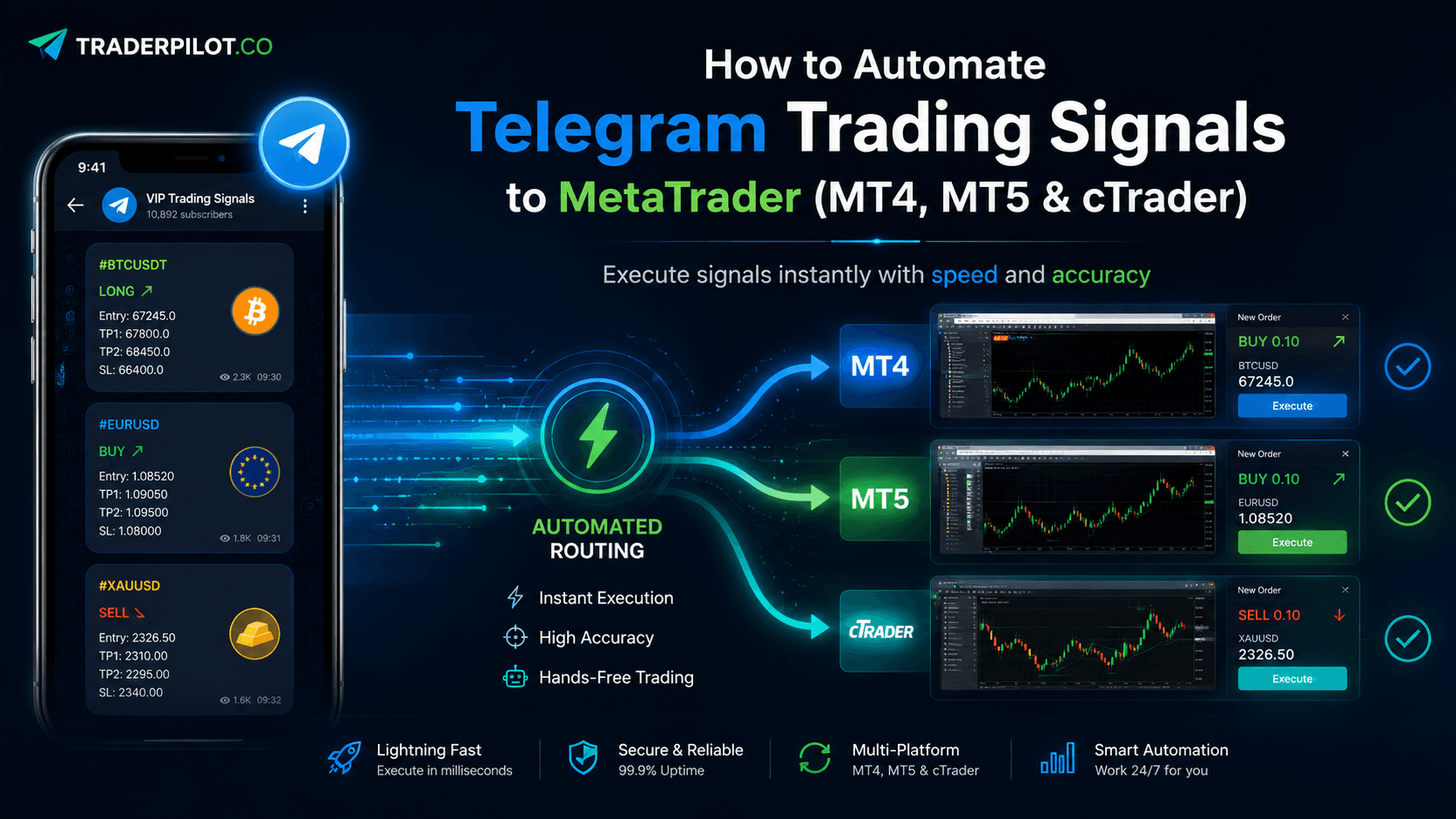
Table of contents
- Why MT4 to MT5 Copy Trading Is Complicated
- How TraderPilot Handles MT4 to MT5 Copying
- Step-by-Step: Setting Up MT4 to MT5 Copy Trading
- Per-Account Risk Control
- Common Questions
- Does it work with any MT4 or MT5 broker?
- Is there any slippage introduced by cross-platform copying?
- Do I need a VPS?
- How many receiver accounts can I connect?
- Summary
Most copy trading tools force you to pick one platform and stay there. But real trading setups rarely work that way — you might run a master account on MT4 while your funded accounts are on MT5, or manage clients across both platforms at once.
This guide walks you through how to copy trades between MT4 and MT5 automatically using TraderPilot's cloud-based trade copier.
Why MT4 to MT5 Copy Trading Is Complicated
MT4 and MT5 are built on different architectures. MT4 was designed for forex, while MT5 supports multi-asset trading with a more advanced order system. Because of these differences, most traditional copy trading EAs only work within a single platform.
Cross-platform copying typically requires:
- A separate bridge or middleware
- A VPS running 24/7
- Complex EA configuration on both platforms
TraderPilot eliminates all of this by running the copy engine in the cloud.
How TraderPilot Handles MT4 to MT5 Copying
TraderPilot connects directly to your trading account credentials — no EA installation, no plugin, no VPS needed. Once connected, the platform handles the translation between MT4 and MT5 order types automatically.
You can copy in any direction:
- MT4 master → MT5 receiver
- MT5 master → MT4 receiver
- MT4 master → MT4 + MT5 receivers simultaneously
- MT5 master → cTrader receiver
The copy engine runs in the cloud and executes trades with an average latency of around 120ms.
Step-by-Step: Setting Up MT4 to MT5 Copy Trading
Step 1 — Create your TraderPilot account**
Go to traderpilot.co and register. No credit card is required to start.
Step 2 — Connect your master account**
In your dashboard, add your MT4 account as the master. You'll need your broker login credentials — TraderPilot uses read and trade permissions only. It cannot withdraw funds or make deposits.
Step 3 — Connect your receiver account**
Add your MT5 account as a receiver. TraderPilot handles the cross-platform translation automatically — you don't need to configure anything on the MT5 side.
Step 4 — Set your copy rules**
For each receiver account, you can set:
- Lot size multiplier (e.g. copy at 0.5x or 2x the master lot)
- Fixed lot size
- Balance-based lot scaling
- Which symbols to copy or exclude
Step 5 — Go live
Once your rules are set, TraderPilot runs continuously in the cloud. Your MT5 account will mirror trades from your MT4 master in real time — even with your computer switched off.
Per-Account Risk Control
One of the most useful features for cross-platform setups is per-account templates. Instead of applying the same rules to every receiver, you can give each account its own lot sizing, risk settings, and copy rules.
This is particularly useful if you're managing:
- Multiple prop firm accounts with different drawdown limits
- Client accounts with different risk appetites
- Personal accounts at different brokers with different base currencies
Common Questions
Does it work with any MT4 or MT5 broker?
Yes. TraderPilot connects via your standard broker login. As long as your broker supports MT4 or MT5, the copier will work.
Is there any slippage introduced by cross-platform copying?
Cross-platform copying adds a small amount of latency compared to same-platform copying, but TraderPilot's cloud engine keeps this to around 120ms on average.
Do I need a VPS?
No. Because TraderPilot runs entirely in the cloud, you don't need a VPS or a PC left running overnight.
How many receiver accounts can I connect?
Unlimited. You pay per connected receiver account on a pay-as-you-go basis.
Summary
Copying trades between MT4 and MT5 used to require complex EA setups and a dedicated VPS. TraderPilot simplifies this into a cloud-based solution that works across platforms without any local software installation.
If you're running a multi-platform trading setup and want to automate trade replication, TraderPilot's trade copier handles the cross-platform complexity for you.