
How to Automate Telegram Trading Signals to MetaTrader (MT4, MT5 & cTrader)
Stop copying Telegram signals by hand. Learn how to automatically execute Telegram forex signals on MT4, MT5, and cTrader using a cloud-based signal copier.

Daniel Brooks
Social Media Manager · July 27, 2026
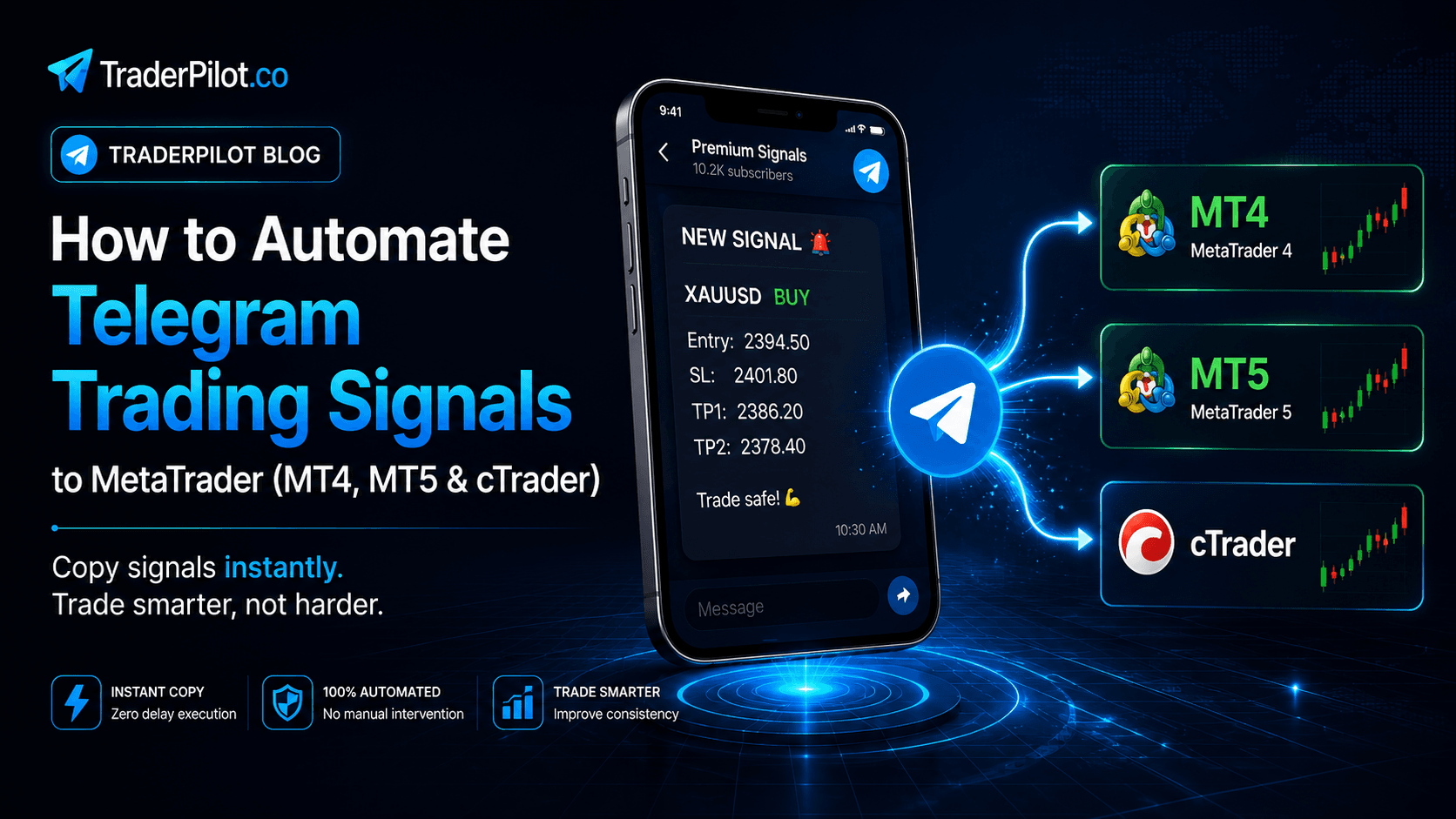
Table of contents
- The Real Cost of Manual Signal Copying
- Missed entries
- Execution errors
- Lifestyle constraints
- Scalability limits
- How Automated Telegram Signal Copying Works
- What Signal Formats Are Supported
- Step-by-Step: Setting Up Telegram to MetaTrader Automation
- Step 1 — Register at TraderPilot
- Step 2 — Connect your trading account
- Step 3 — Connect your Telegram channel
- Step 4 — Configure your execution rules
- Step 5 — Activate and go live
- Managing Multiple Telegram Channels
- Handling Signal Updates and Early Closes
- Copying Signals to Multiple Accounts Simultaneously
- No VPS Required
- Which Platforms Are Supported
- Telegram Signal Automation for Prop Firm Traders
- Common Questions
- Can I follow private Telegram channels?
- What happens if a signal is poorly formatted?
- Can I run the Telegram Copier and Trade Copier at the same time?
- How much does the Telegram Copier cost?
- Does it work with any Telegram account?
- What if my signal provider changes their format?
- Can I set a maximum daily loss limit on the copier?
- Is there a free trial?
- Who Benefits Most from Telegram Signal Automation
- Summary
If you follow a Telegram trading signal provider, you already know the problem. Signals arrive at unpredictable times — often during market opens, major news events, or early morning sessions in your timezone. You need to be at your desk, ready to act within seconds. Miss the entry by two minutes on a volatile pair, and the trade is either significantly worse or simply not worth taking anymore.
Manually copying signals is slow, error-prone, exhausting, and ultimately unsustainable as a long-term approach. This guide explains how to automate the entire process — from Telegram signal to live trade execution on MT4, MT5, or cTrader — without a VPS or any technical setup.
The Real Cost of Manual Signal Copying
Before getting into the solution, it is worth understanding exactly what manual signal copying costs you.
Missed entries
Telegram signals are often time-sensitive. A XAUUSD signal during a London open move can be 15 to 20 pips into the move by the time you have switched applications, found the right pair, and entered the order. Your stop loss does not move, but your entry does — which means your risk-reward ratio deteriorates on every late entry.
Execution errors
When copying manually under time pressure, mistakes happen. Wrong lot size, wrong direction, wrong stop loss value, wrong pair. These errors are costly and almost impossible to eliminate entirely when you are copying signals by hand under time pressure.
Lifestyle constraints
Following a signal provider means being available whenever signals arrive. If your provider is active during the Asian session, you are either setting alarms or missing signals. Automation eliminates this entirely — the copier executes 24/7 regardless of your schedule.
Scalability limits
If you want to copy the same signals to multiple accounts — personal accounts, funded accounts, or client accounts — manual copying becomes completely unworkable. Automating once covers all accounts simultaneously.
How Automated Telegram Signal Copying Works
A cloud-based Telegram signal copier like TraderPilot works by:
1. Connecting to your Telegram channels and monitoring them continuously
2. Detecting incoming messages that match a trading signal format
3. Parsing the signal to extract the instrument, direction, entry price, stop loss, and take profit levels
4. Connecting to your trading account and placing the trade according to your configured rules
5. Monitoring the open position for any signal updates such as stop loss modifications, take profit changes, or early close instructions
The entire process from signal detection to trade execution happens in milliseconds — faster than any human can manually replicate.
Because TraderPilot runs in the cloud rather than on your local machine, none of this requires your computer to be on, your platform to be running, or a VPS subscription.
What Signal Formats Are Supported
TraderPilot reads structured Telegram signals that include the trading instrument, direction, and at minimum an entry level. A typical well-formatted signal looks like this:
XAUUSD BUY
Entry: 2345.50
SL: 2338.00
TP1: 2352.00
TP2: 2360.00
TP3: 2375.00
TraderPilot automatically parses multi-TP signals and can execute each take profit level as an independent partial close. So if your provider signals three targets, TraderPilot can open the position and close one-third at each TP automatically — without any manual intervention.
The parser handles common variations in signal formatting. Whether your provider uses "Entry:" or "Buy at:" or simply states the price after the direction, TraderPilot's parsing engine adapts to consistent formatting patterns.
If your signal provider uses a format that deviates significantly from standard structures, TraderPilot's support team can help configure custom parsing rules for your specific channel.
Step-by-Step: Setting Up Telegram to MetaTrader Automation
Here is a complete walkthrough from account creation to live signal execution.
Step 1 — Register at TraderPilot
Go to traderpilot.co and create an account. Registration takes about two minutes. No credit card is required to get started.
Step 2 — Connect your trading account
In your dashboard, add your MT4, MT5, or cTrader account as a receiver. You will need your broker server address, your account login number, and your trading password.
TraderPilot uses trade execution access only. It has no ability to withdraw funds, make deposits, or modify account settings at the broker level. Your capital remains under your broker's control at all times.
You can connect multiple trading accounts — for example, a personal account and two funded prop firm accounts — and copy the same Telegram signals to all of them simultaneously with different lot sizes per account.
Step 3 — Connect your Telegram channel
In the Telegram Copier section of your dashboard, add the channels you want to follow as signal sources. You can connect any Telegram channel or group you are a member of, including private channels and invite-only groups.
You can connect multiple channels simultaneously. Each channel can have its own independent rules — for example, you might size positions differently depending on the track record and confidence level of each provider.
Step 4 — Configure your execution rules
For each channel and account combination, configure how signals are executed.
For lot sizing, you can use a fixed lot size so every signal executes at a set lot size regardless of the signal content, a multiplier to scale lots relative to a reference amount, or balance-based sizing to automatically calculate lot size as a percentage of your account balance.
For take profit handling, you can choose to execute only TP1 and close the full position there, execute all TPs as partial closes such as closing one-third at each of three targets, execute TP1 and TP2 only, or override with a fixed TP in pips instead.
For stop loss handling, you can copy the SL as provided in the signal, add a buffer in pips to the signal SL, override with a fixed SL in pips, or apply breakeven rules automatically after TP1 is hit.
For trade filters, you can control which signals you act on. Options include only executing signals for specific pairs or instruments, only taking BUY signals or only SELL signals, skipping signals that arrive outside your defined trading hours, and setting a maximum number of concurrent open trades per channel.
Step 5 — Activate and go live
Once configured, activate your Telegram Copier. TraderPilot begins monitoring your channels immediately. The next time a signal arrives, it will be parsed and executed automatically according to your rules.
You can monitor execution logs in your dashboard to see exactly what TraderPilot detected and executed, including the timestamp of the signal and the timestamp of the trade execution.
Managing Multiple Telegram Channels
One of the most valuable use cases for Telegram signal automation is following multiple providers simultaneously and managing them independently.
A common setup looks like this. Channel A provides high-confidence gold signals and is sized at 1.0 lots per signal. Channel B provides forex majors from a newer provider and is sized conservatively at 0.2 lots while you evaluate the track record. Channel C provides crypto CFD signals and is sized at 0.5 lots with TP1 only since the targets tend to be aggressive.
All three channels run simultaneously, each executing on the same trading account or on different accounts according to their individual rules. If Channel B performs well over a month, you increase its lot size. If Channel C starts generating losses, you pause it without affecting the other channels.
This level of granular control over multiple signal sources simultaneously is simply not possible with manual copying.
Handling Signal Updates and Early Closes
Signal providers frequently update their signals after the initial post. They might move the stop loss to breakeven after price moves in their favour, add a new take profit level, cancel a signal before it triggers, or close a trade early due to changing market conditions.
TraderPilot monitors your Telegram channels continuously and tracks updates to signals after they are posted. When a provider posts an instruction to move the stop loss to entry or to close a trade immediately, TraderPilot reads the update and adjusts your open positions accordingly — automatically.
This eliminates one of the most common frustrations with manual signal following, where you copy the entry correctly but then miss the stop loss management instructions because you were not watching the channel at the right moment. The update executes whether you are at your desk or not.
Copying Signals to Multiple Accounts Simultaneously
If you want to copy the same Telegram signals to more than one trading account, TraderPilot handles this natively.
A typical multi-account setup might include a personal live account sized at 1.0 lots, a prop firm evaluation account on MT4 sized at 0.5 lots, and a prop firm funded account on MT5 sized at 0.3 lots with a conservative stop loss buffer.
All three accounts receive the same signal at the same time. Each executes according to its own independent rules. The signal fires once on Telegram and TraderPilot handles the rest.
This is particularly powerful for prop firm traders who are running multiple evaluations and funded accounts simultaneously, where managing signal execution across all of them manually would be completely unworkable. With automation, scaling from one account to ten accounts adds no additional operational overhead.
No VPS Required
Traditional signal copier solutions require a VPS running an EA on MT4 or MT5 around the clock. The VPS cost typically ranges from $15 to $50 per month depending on the provider, and the EA requires configuration and ongoing maintenance.
TraderPilot eliminates the VPS entirely because the copy engine runs in TraderPilot's cloud infrastructure. Your trading platform does not need to be running. Your computer does not need to be on. Your internet connection does not need to be active on your end.
TraderPilot's cloud operates at 99.9% uptime, which means your signal execution continues even during power outages, travel, or internet disruptions on your side.
Over the course of a year, eliminating a $30 per month VPS subscription saves $360 — more than the cost of a Telegram Copier subscription for the same period.
Which Platforms Are Supported
TraderPilot's Telegram Copier currently supports MetaTrader 4 across all brokers, MetaTrader 5 in both hedging and netting modes, cTrader across all cTrader brokers, and Match-Trader which is currently in beta.
You can copy from a single Telegram channel to accounts across all of these platforms simultaneously. An MT4 account, an MT5 account, and a cTrader account can all receive the same signal at the same time, each with their own independent execution rules.
More platform integrations are in development. Join the TraderPilot Telegram channel for announcements on upcoming platform support.
Telegram Signal Automation for Prop Firm Traders
Prop firm trading has specific requirements that make automated signal execution particularly valuable.
Prop firm evaluation accounts have strict daily loss limits and maximum drawdown thresholds. Missing an entry by several pips due to manual copying delays can push a trade's risk-reward ratio below what the strategy requires, leading to unnecessary losses that could have been avoided with precise execution.
At the same time, prop firm rules typically prohibit certain trading behaviors. It is important to ensure that the signal provider's strategy complies with your prop firm's rules before automating execution on a funded or evaluation account. TraderPilot replicates whatever signals arrive — it does not filter for prop firm compliance automatically.
For traders managing multiple funded accounts across different prop firms, automation becomes essential. Running three or four funded accounts manually while following a signal provider is operationally exhausting and error-prone. Automation ensures consistent execution across every account without additional effort.
Common Questions
Can I follow private Telegram channels?
Yes. Any channel or group you are a member of can be connected as a signal source, including invite-only private channels and groups.
What happens if a signal is poorly formatted?
If TraderPilot cannot parse a message, it skips it and logs it as unrecognized in your dashboard. It will not execute a trade based on an incomplete or ambiguous signal. You can review all unrecognized messages in your execution log.
Can I run the Telegram Copier and Trade Copier at the same time?
Yes. Many traders use both simultaneously — copying from a master live account via the Trade Copier while also following Telegram signal providers via the Telegram Copier, with both executing on the same receiver accounts.
How much does the Telegram Copier cost?
The Telegram Copier plan is $15.99 per connected receiver account per month on a pay-as-you-go basis. If you want access to both the Trade Copier and the Telegram Copier, the Core Plan at $49 per month includes up to 5 accounts and is more cost-effective at 4 or more accounts.
Does it work with any Telegram account?
Yes. TraderPilot connects to standard Telegram accounts. You do not need a special Telegram account type or any additional Telegram subscription.
What if my signal provider changes their format?
If a provider's format changes significantly, your parsing configuration may need to be updated. TraderPilot's support team is available via Telegram to help with any parsing setup or troubleshooting.
Can I set a maximum daily loss limit on the copier?
Trade filters and execution controls allow you to limit the number of concurrent trades and manage position sizing. For strict daily loss limits such as those required by prop firms, managing your lot sizing conservatively is the most reliable approach.
Is there a free trial?
Visit traderpilot.co/pricing for current trial availability and refund policy details.
Who Benefits Most from Telegram Signal Automation
Active signal followers: who pay for one or more Telegram signal services and want to remove manual execution from the process entirely. Automation eliminates late entries, execution errors, and the need to monitor channels at all hours.
Multi-account traders: who want to distribute the same signals across several accounts — personal, funded, or client accounts — with different sizing per account. What would take minutes manually takes milliseconds with automation.
Prop firm traders: who follow signal providers and need precise, immediate entry execution to maintain the risk parameters required by their prop firm rules. Every pip of slippage from late manual entry matters when you are trading near a drawdown limit.
Part-time traders who cannot monitor markets and Telegram channels during active trading hours and need automation to execute signals while they are working, sleeping, or traveling. The copier runs continuously regardless of your availability.
Signal providers who want to demonstrate their service by offering automated execution to their subscribers, rather than requiring manual copying that introduces execution variation between different subscribers.
Summary
Manual Telegram signal copying is one of the most inefficient workflows in active trading. It introduces entry delays, execution errors, lifestyle constraints, and scalability limits that automation resolves entirely.
TraderPilot's cloud-based Telegram Copier connects directly to your channels and trading accounts, parses signals automatically, and executes trades in milliseconds — across MT4, MT5, and cTrader, on as many accounts as you need, 24 hours a day, without a VPS or any local software.
If you follow Telegram signals and want to automate execution, you can set up TraderPilot and go live in about ten minutes at traderpilot.co.